
This new Gadget can embed any Confluence Page on a Jira Dashboard.
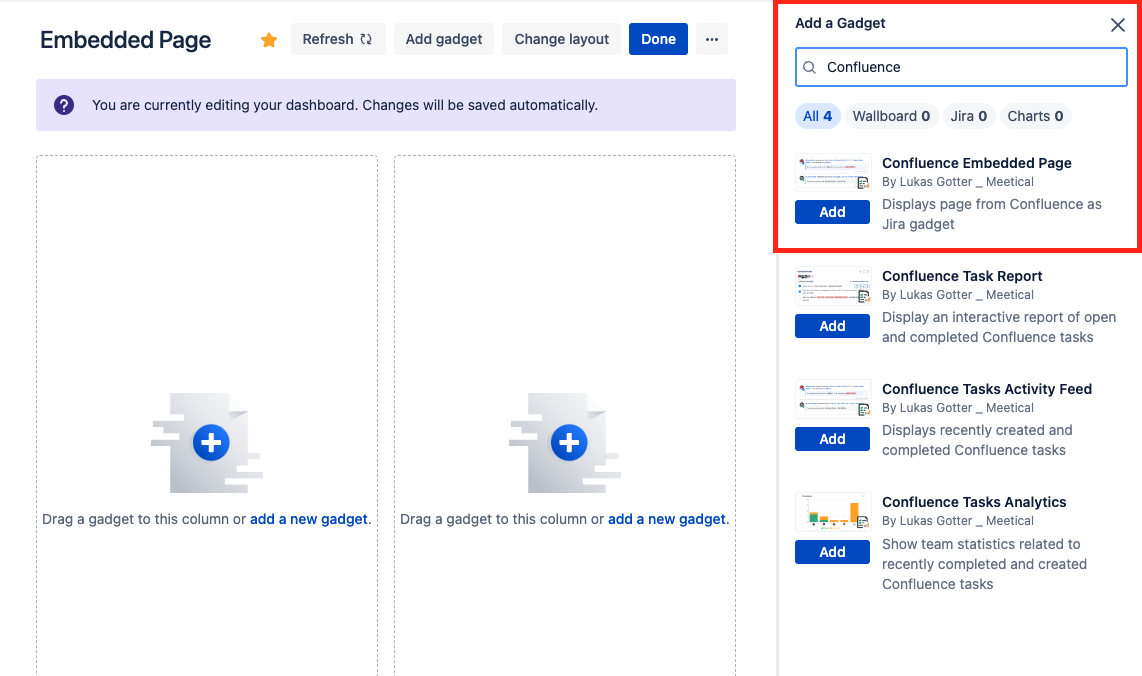
1) To add the Gadget choose “Embed Confluence Page” from the Gadget List.
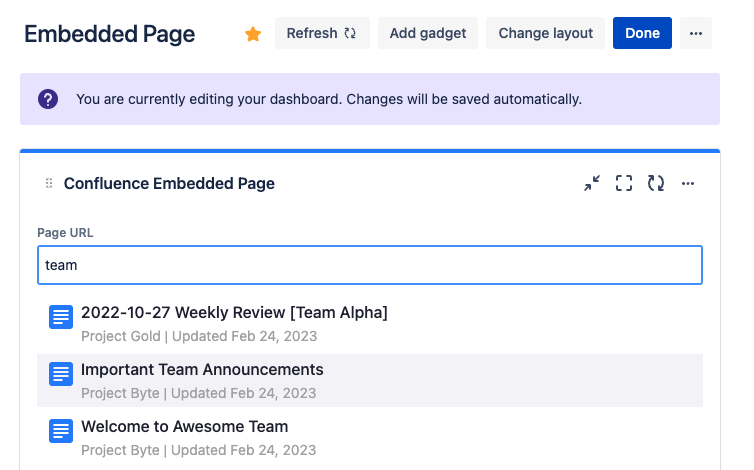
2) Choose your page by pasting the page link or search by typing the page name
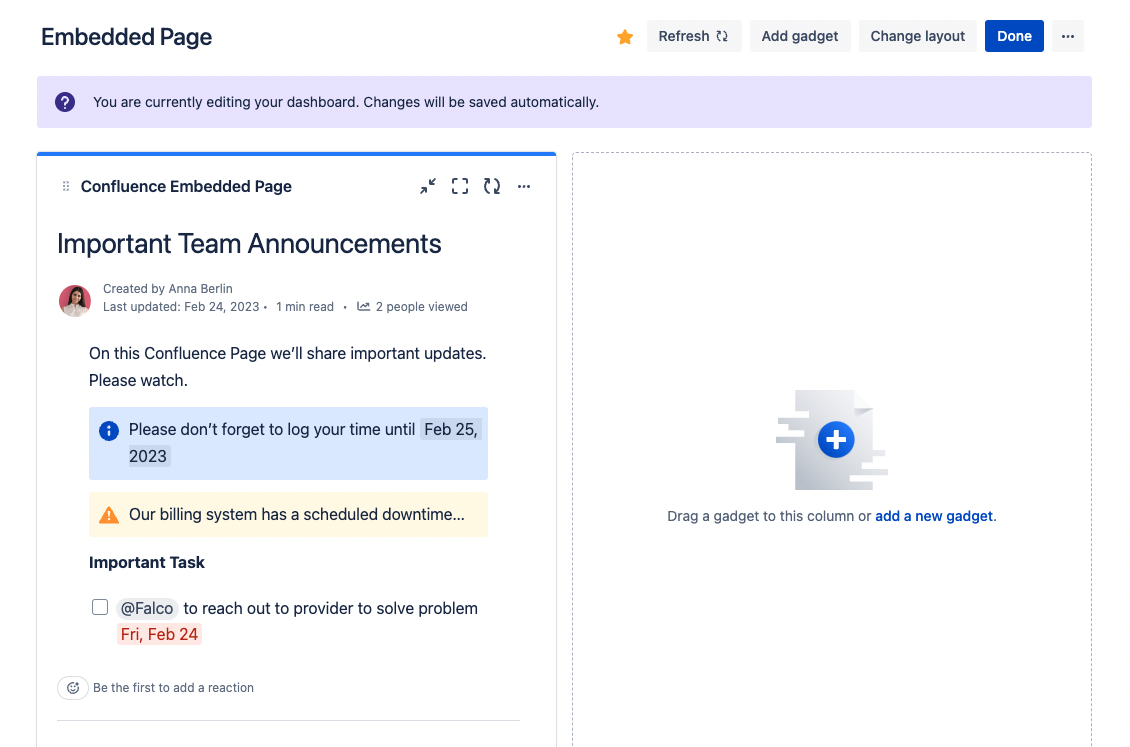
3) Your page is visible on the dashboard
4) Optional: For restricted pages, add the Task Reports App User, to give the App permission to access the page.
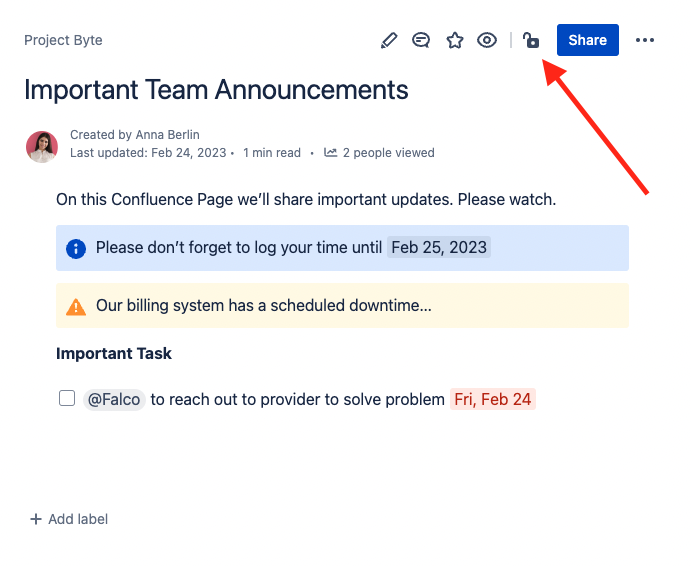
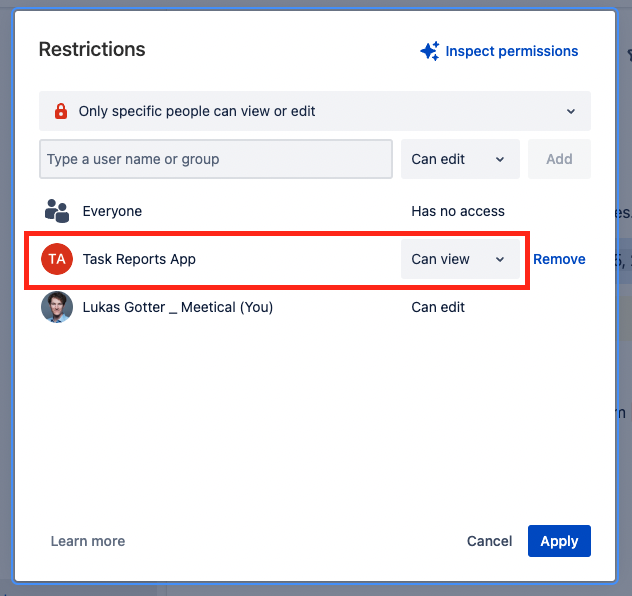
As a result, your restricted page can be made visible on your Dashboard.
Information regarding external Hyperlinks on Embedded Pages
Unfortunately links to external pages on any embedded page must be opened with right click “Open in new Tab”. Otherwise uses get a “Refused to connect” or “This content is blocked” error.
The only work around we can give you right now is mentioning this in your links e.g. some external link (open in new tab to access)
Links to other Confluence pages should work fine.
This is a know limitation of the component we use from Atlassian. Since we use the newest version of their Cloud Framework (Forge) only Links to other Confluence Pages work, and all other links need to be opened in a new tab.
Hopefully this limitation is removed in the near future.